Make Cards Post-Update Checklist
A fixed order of checks after every Vibed Games patch so balance surprises never wipe your cash.
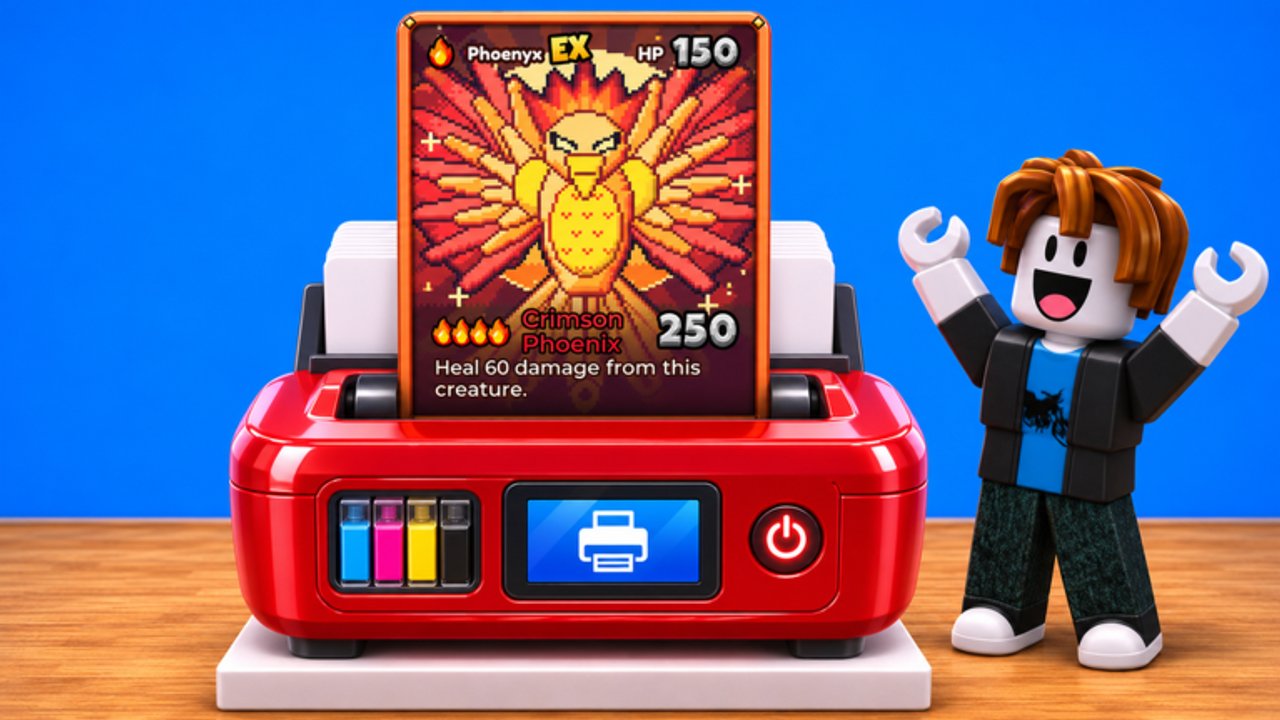
Every Make Cards! patch can quietly change wages, prices, UI labels, or code drops. Use this post-update checklist before you spend a large stash or hire three new roles. It pairs with the timeline on the Updates Hub and keeps your factory decisions honest while Vibed Games iterates on the October 2026 launch build.
Why a checklist beats vibes
Young tycoons retune often. A sealer that was cheap yesterday might cost more today; a code slot might appear in Settings; a script that “worked” last week can brick after a remote change. Running the same five-to-ten minute ritual after every Roblox “Updated” stamp stops you from blaming skill when the numbers moved.
Immediate launch checks (0–3 minutes)
- Open Make Cards from the official Roblox link — not a mirrored join.
- Read the experience description for new promo strings. Compare against the Codes Hub. As of 29 November 2026 the description still had no verified public codes; that can change overnight.
- Skim the Vibed Games group shout (see Players and Official Links).
- Note any in-game banner text before dismissing it.
Retest the core loop (3–8 minutes)
Complete one clean draw → seal → serve cycle without opening the shop:
- Confirm each station still accepts interaction (Controls & HUD).
- Time the loop roughly; if it feels much slower, a machine or animation changed.
- Sell one pack and confirm cash increments look normal versus your memory.
If the tutorial reappears, finish it — onboarding reshuffles often hide new systems. Refresh habits with Getting Started only if the loop itself changed shape.
Economy checks: wages and upgrade prices
Open staff and shop panels before impulse buys:
| Check | What to look for | Wiki follow-up |
|---|---|---|
| Staff wages | Role costs vs yesterday | Hire Staff, Staff Priority |
| Upgrade prices | Machines and rooms | Upgrade Priority |
| New roles / machines | Fresh entries in menus | Tier List Hub |
| Room unlocks | New wings or props | Expand Factory |
Screenshot or jot numbers if something looks off. Prefer bottleneck logic over memorised prices — see Make Money Fast.
Codes after a patch
- Attempt any newly listed string with How to Redeem Codes.
- If redeem UI moved, remap it via Controls & HUD.
- If nothing is live, do not idle — return to production. Empty lists remain common this early.
Scripts and third-party tools
Assume breakages. After any update:
- Disable injectors before blaming the game.
- Re-read Scripts Hub risk notes.
- Prefer official staff and upgrades over unverified automation.
Script breakage after a Vibed Games push is expected, not a personal attack on your setup.
Which wiki pages to reread by change type
| You noticed… | Reread |
|---|---|
| New or moved Codes UI | Codes, How to Redeem |
| New staff | Staff Priority, Hire Staff |
| New machines | Upgrade Priority |
| Layout / pathing changes | Expand Factory, Controls |
| Cash flow feels wrong | Make Money Fast |
| Server behaviour odd | Multiplayer Tips |
| General patch anxiety | Updates Hub, this checklist again |
Full checklist card (copy for Discord)
- Official launch link used
- Description + group shout scanned for codes
- One full draw → seal → serve loop completed
- Wages reviewed
- Upgrade prices reviewed
- Tier lists mentally refreshed if menus grew
- Scripts disabled or verified safe
- Big spends delayed until loop feels stable
- Session Checklist ready for the rest of the grind
Cadence tips
- Tiny hotfixes — still run the loop once; skip deep tier rereads if menus look identical.
- Content drops — full checklist + both tier list pages.
- Economy retunes — full checklist + money guide before any expansion purchase.
Related pages
Run this ritual every patch and Make Cards stays a factory game — not a surprise tax on your savings.
Emotional reset after a bad patch
If a retune nukes a strategy you loved, do not rage-buy cosmetics or install a random script. Take five minutes offline, then re-enter with only the Immediate launch checks. Factories recover faster when you protect cash for one clean hire or machine that matches the new bottleneck.
Sharing findings with friends
When you confirm a wage or price change, tell friends the number and the menu path, not just “staff is broken.” Point them at this checklist and the Updates Hub so the whole six-player lobby upgrades their habits together instead of spreading rumours.
Frequently Asked Questions
Quick answers to the most common Make Cards questions.
What should I do first after a Make Cards update?
Launch from the official page, scan for codes, then complete one full draw → seal → serve loop before spending big cash.
Why check wages and upgrade prices every patch?
Young tycoons retune economy often. Yesterday’s hire or machine order can be wrong after a balance pass.
Do scripts survive Make Cards updates?
Often not. Disable injectors, read the Scripts Hub, and rely on official staff and upgrades after patches.
Where do I find new codes after an update?
Check the Roblox description, Vibed Games shout, and the Codes Hub, then redeem with the How to Redeem guide.