Make Cards Session Checklist
A practical pre / mid / post checklist so every Make Cards hour compounds instead of drifting.
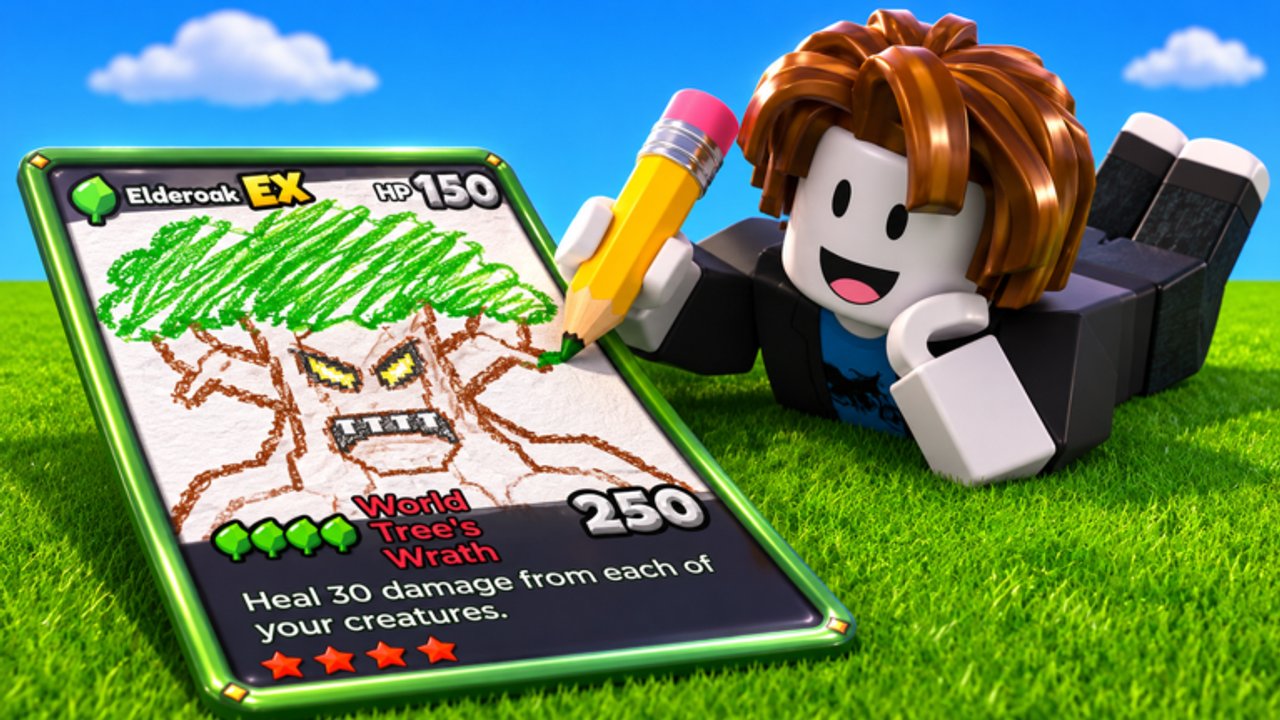
This session checklist is a tool-style guide for Make Cards! players who want cleaner Roblox hours. It is not a downloadable app and not a script — just a repeatable list covering codes, bottleneck fixes, hire decisions, and upgrade calls. Use it with the Tools Hub, then dive into linked guides and tier lists when a box needs depth.
How to run the checklist
- Keep this page open on a phone or second monitor.
- Tick items mentally or in a notes app.
- Skip sections that do not apply (for example, codes when you already checked five minutes ago).
- After patches, run the Post-Update Checklist before this routine.
Pre-session (about two minutes)
- Launch officially — Make Cards on Roblox via Official Links habits.
- Codes scan — skim description + Codes Hub. Redeem with How to Redeem if anything is live. Empty lists are still common as of late November 2026 — move on quickly.
- Group ping — glance at Vibed Games shout (Players).
- HUD reminder — know where draw, seal, serve, and Codes live (Controls & HUD).
- Hour goal — pick one: clear seal backlog, afford next S-tier hire, or test a room. Write it down.
- Graphics / lag — set a stable preset; hop once if the first server stutters (Multiplayer Tips).
Pre-session done when you can name your goal and your first station.
Mid-session bottleneck box (every 15–20 minutes)
Ask three questions:
| Question | If yes… | Open |
|---|---|---|
| Are unsealed cards piling up? | Focus seal or hire sealer | Seal Boosters, Staff Priority |
| Are packs ready but customers waiting? | Serve or hire cashier | Hire Staff |
| Are seal and sales clear but art empty? | Draw or hire artist | Draw Cards |
Only fix the worst pile. Spreading attention across all three stations without staff is how beginners stall — revisit Getting Started if the loop still feels fuzzy.
Hire decision prompt
Hire only if:
- You understand the loop.
- One station consistently lags while you work another.
- Wages fit under recent income.
Otherwise keep manual play and push cash with Make Money Fast.
Upgrade decision prompt
Buy a machine or room when it multiplies your current bottleneck — not when it looks cool. Cross-check Upgrade Priority and avoid expanding into empty space without a pathing plan (Expand Factory).
Codes mid-session
If a group shout hits while you play, pause at a safe moment, redeem, then return to the pile you were clearing. Do not abandon a sealing rush for a fake generator link (Scripts safety mindset).
Post-session (about two minutes)
- Income vs wages — are you still profitable after the last hire?
- Next unlock — write the next hire or upgrade and why.
- Layout note — any walk that felt too long? Park that for the expand guide later.
- Codes leftover — any string you skipped? Park it for next pre-session.
- Update awareness — did Roblox show a fresh stamp? Schedule the Post-Update Checklist.
- Stop on a win — end after a clean sale when possible so tomorrow starts motivated.
Full checklist card
Pre
- Official launch
- Codes + shout scanned
- HUD stations known
- One-hour goal set
- Stable server / graphics
Mid
- Worst pile identified
- Hire only if wage-safe
- Upgrade only if multiplies bottleneck
- Tier lists consulted for big spends
- No script rabbit holes
Post
- Profit check
- Next unlock written
- Layout friction noted
- Patch follow-up flagged if needed
Example sixty-minute block
| Minute | Focus |
|---|---|
| 0–5 | Pre-session checklist |
| 5–25 | Manual loop + seal backlog |
| 25–30 | Mid bottleneck box; maybe first hire |
| 30–50 | Multiply that hire with a matching upgrade |
| 50–55 | Codes recheck / group shout |
| 55–60 | Post-session notes |
Adjust freely; the structure matters more than the exact minutes.
Related pages
- Tools Hub
- Guides Hub
- Tier List Hub
- Codes Hub
- Make Money Fast
- Staff Priority
- Upgrade Priority
- Updates Hub
Run this checklist until it is muscle memory. Make Cards rewards players who decide on purpose — not players who wander the shop every login.
Printing and accessibility
You can paste the Full checklist card into a notes pin. Large text helps on mobile while the Roblox HUD stays focused on stations. If reading English UI while thinking in another language, keep the same order of boxes so muscle memory transfers when localised wiki pages catch up.
When to break the checklist
Break it for real life, friendship moments in a six-player lobby, or a short fun cosmetic after goals are hit. Do not break it for panic spending after a single slow customer. Discipline is the tool; the factory is the game.
Frequently Asked Questions
Quick answers to the most common Make Cards questions.
Is the Make Cards Session Checklist a downloadable tool?
No. It is a written checklist on the wiki. Use it beside the game without installing anything.
What should I check before starting a Make Cards session?
Official launch link, codes and group shout, HUD station locations, a one-hour goal, and a stable server.
How often should I reassess bottlenecks mid-session?
About every fifteen to twenty minutes, or whenever one pile clearly outgrows the others.
Should I hire or upgrade first during a session?
Fix the worst bottleneck with whichever option multiplies that station while keeping wages under income. Use the staff and upgrade tier lists for big spends.