How to Draw Cards in Make Cards
Turn the art desk into a reliable input line for your booster factory.
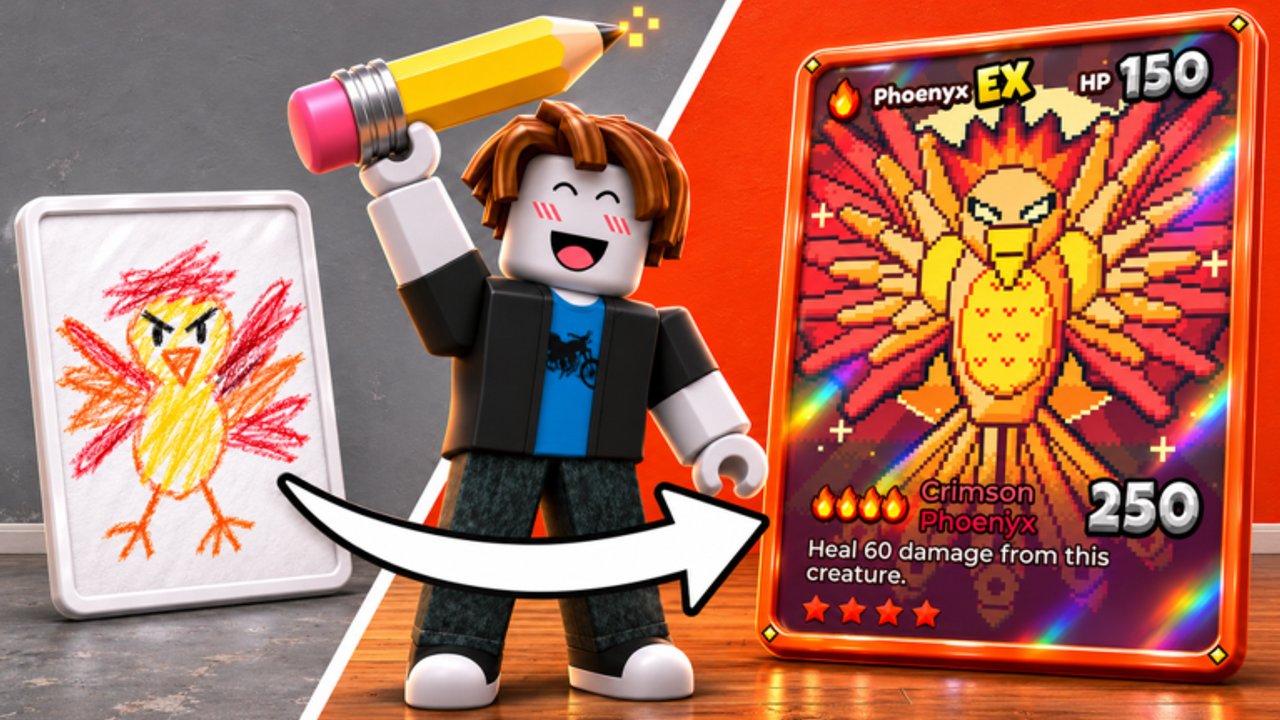
Drawing cards is the creative heart of Make Cards! and the first station in the Vibed Games factory loop. This guide explains how to work the art desk efficiently, when “better art” is worth the time, and how to sync drawing with sealing so you never flood or starve the next step.
If you have not finished a single sale yet, skim Getting Started first, then return here to sharpen the draw station.
What the draw station does
The draw desk produces the raw cards that later become sealed boosters and boxes. Every pack you sell starts here. Faster or cleaner drawing raises the ceiling for the entire factory — but only if sealing and sales can absorb the output.
Step-by-step draw workflow
- Approach the art station and enter the draw interaction prompted by the game.
- Complete the card with the tools available — focus on finishing, not perfectionism, during early ranks.
- Confirm the card so it enters the production chain toward sealing.
- Immediately check whether the seal station is idle or backed up.
- If seals are clear, draw again; if seals are piled up, help seal or hire help instead of adding more art.
That last check is the difference between a factory and a hobby desk.
Quality versus speed
Early game: speed wins. Customers need packs on the counter. Mid game: mix in quality upgrades from the Upgrade Priority list once volume is stable. Late game: quality boosts matter more when you sell premium presentation packs.
A practical rule: if customers are waiting on empty shelves, stop polishing and ship volume. If shelves are full and cash is soft, invest in presentation.
Feeding the rest of the line
| Draw output | What you should do next |
|---|---|
| Sealer idle | Keep drawing or hire an artist |
| Sealer backed up | Stop drawing; seal or hire a sealer (Staff Priority) |
| Counter empty | Prioritise finishing packs over new sketches |
| Counter queued | You are healthy — consider upgrades |
Upgrades that help drawers
- Small desk speed tools (A/S early)
- Better brushes or quality modules after volume exists
- Room layouts that place draw beside seal — see Expand Factory
Avoid spending your first cash pile on wall posters for the art room. Throughput first.
Hiring artists
Artists are A-tier on the staff list for a reason: they amplify a healthy seal line and waste wages on a broken one. Hire your first artist after a sealer or seal upgrade is online. Details live in Hire Staff.
Common draw-station mistakes
- Treating Make Cards like a pure drawing sandbox and ignoring sales
- Stacking three artists with one slow sealer
- Buying quality cosmetics before a seal speed upgrade
- Walking away mid-card during a customer rush
Practice drill (ten minutes)
- Draw three cards as fast as you can finish cleanly.
- Seal them all.
- Sell them all.
- Note which step felt slowest.
- Spend your next upgrade or hire on that step only.
Repeat the drill after every major purchase. It keeps your instincts honest.
Related pages
Strong drawing habits make every other Make Cards system cheaper to run. Master the desk, then let staff multiply it.
Warm-up routine
Before a long session, draw one quick card, seal it, and sell it. The warm-up reconnects your hands to the full loop so you do not vanish into the art desk for ten silent minutes. It also reveals whether yesterday’s layout still makes sense after a patch.
Sharing the desk with hired artists
When artists are on payroll, specialize: you handle tricky quality work or emergency fills while they grind volume. If both of you draw into a sealed backlog, reassign yourself to sealing immediately — ego does not pay wages.
Tracking personal throughput
Mentally note how many cards you finish every five minutes before and after a desk upgrade. If the number barely moves, you bought the wrong upgrade or your bottleneck was never drawing. Let data steer the next purchase from the tier lists.
Staying motivated
Make Cards rewards factories, not perfect portfolios. Ship packs, fund staff, then return to art with better tools. Creativity scales when the business underneath it is healthy.
Frequently Asked Questions
Quick answers to the most common Make Cards questions.
How do I draw cards in Make Cards?
Use the art or draw station, finish the card interaction, then send the result down the line to sealing and sales.
Should I focus on art quality or speed?
Speed first while shelves are empty. Add quality upgrades after sealing and sales can keep up.
When should I hire an artist?
After sealing can handle more input. Hiring artists into a seal backlog wastes wages.