Make Cards Getting Started Guide
Your first-hour plan for the Vibed Games card factory tycoon on Roblox.
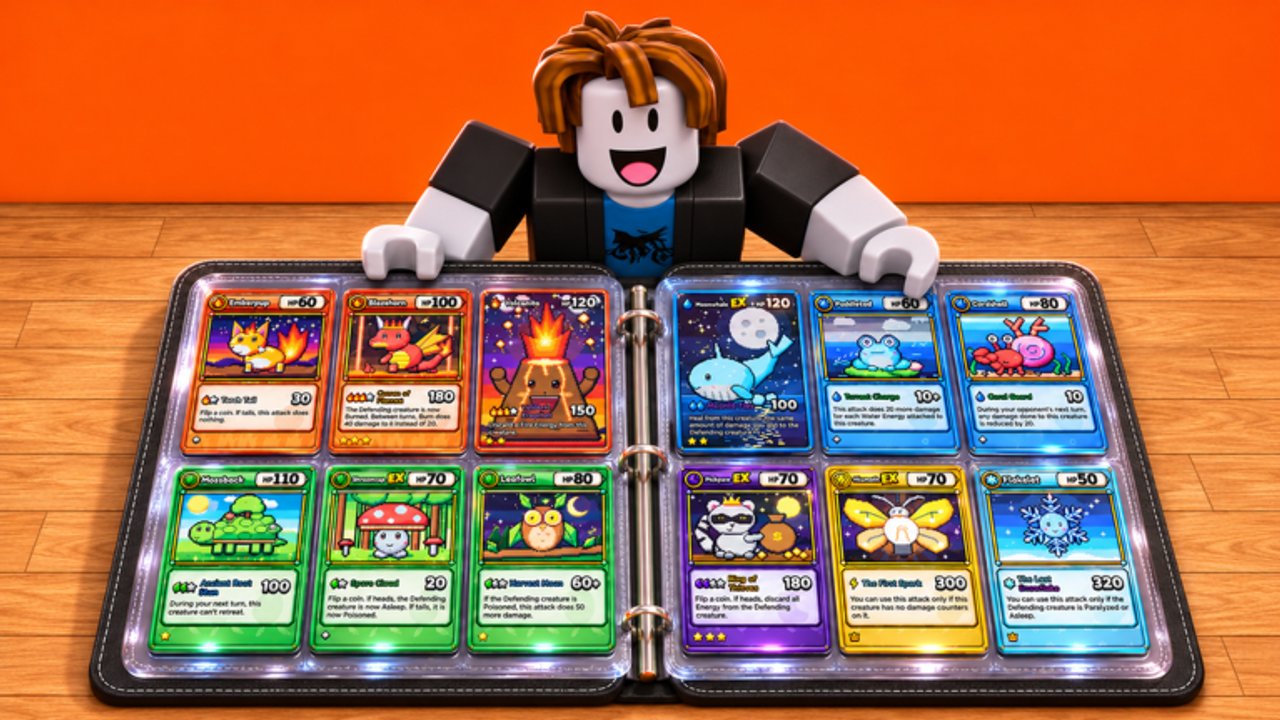
Make Cards! is a Roblox Simulation / Tycoon from Vibed Games where you build a card empire: draw your own cards, seal boosters and boxes, serve customers, hire staff, and expand the factory floor. This beginner guide gets you from a cold join to a stable production loop without wasting early cash.
Official play link: Make Cards on Roblox. Servers hold up to six players. The experience launched on 29 October 2026, so expect frequent quality-of-life patches — skim the Updates Hub after big version bumps.
What you will learn
- The core loop: draw → seal → sell
- What to click in the first ten minutes
- When to stop doing everything yourself
- How this page connects to money, staff, and expansion guides
First five minutes
- Join from the official Roblox page and wait for the factory to stream in.
- Complete any tutorial prompts — they teach station order faster than guessing.
- Locate the draw / art station, the seal / pack station, and the customer counter.
- Produce one full pack manually so you feel the timing between stations.
- Open settings and note where codes live for later visits to the Codes Hub.
Do not sprint into cosmetics. Your first goal is one clean pack sold, then repeat.
The core production loop
1. Draw cards
Spend focused time at the art desk. Clean, complete cards feed everything downstream. Habits for this station live in the dedicated Draw Cards guide.
2. Seal boosters and boxes
Move finished art into sealed product. If seals lag, your drawings become inventory, not income. Speed techniques are covered in Seal Boosters.
3. Serve customers
Deliver finished packs and collect cash. Long queues mean you need a cashier hire or checkout upgrade from the tier lists.
Repeat that triangle until it feels automatic. Only then open the shop for upgrades.
First-hour priority checklist
| Time | Focus | Why |
|---|---|---|
| 0–10 min | Manual full loop | Learn station locations |
| 10–25 min | Buy cheapest seal or draw speed upgrade | Raise packs per minute |
| 25–40 min | Save for first S-tier staff | Remove a bottleneck |
| 40–60 min | Reinvest in the slower station | Keep balance |
Detailed spend order sits on the Upgrade Priority and Staff Priority pages.
Controls and platform tips
Make Cards supports the usual Roblox movement set. On PC, use keyboard movement with mouse look; on mobile, keep the camera angled so both the desk and counter stay visible. If the UI feels cramped, lower graphics slightly for steadier interaction on weaker devices.
Common beginner mistakes
- Drawing forever without sealing — art that never packs earns nothing.
- Expanding rooms with no staff — empty floors slow you down; read Expand Factory.
- Ignoring customers — finished packs in a back room are not cash yet.
- Buying cosmetics first — flex props can wait until the money guide targets are hit.
- Trusting random scripts — see the Scripts Hub before installing anything.
Watch a real session
The embedded gameplay above shows a live Make Cards session so you can mirror station flow while reading. Pause whenever the player switches desks and match that habit in your own factory.
After the first hour
- Claim any new codes from the Codes Hub.
- Hire using Hire Staff.
- Plan your next room with Expand Factory.
- Bookmark Players & Creators for Vibed Games group links.
- Return to this Getting Started page only when a friend joins cold — send them here.
Related pages
Master the loop once, then let staff and upgrades multiply it. That is the whole game.
Frequently Asked Questions
Quick answers to the most common Make Cards questions.
Is Make Cards free to play?
Yes. It is a free Roblox experience from Vibed Games. Optional gamepasses may exist later, but the core loop works without paying.
What should I do first in Make Cards?
Complete one full draw → seal → sell cycle, then buy a small throughput upgrade before cosmetics or big rooms.
Does Make Cards work on mobile?
Yes. The same stations exist on mobile; keep the camera wide enough to see your desks and the customer counter.
Where do I redeem codes as a beginner?
After the factory loads, open the Codes or Settings panel. Full steps and the live list are on the Codes Hub.