Make Cards Multiplayer Tips
Thrive in six-player lobbies with station etiquette, co-op habits, and smart solo-versus-public choices.
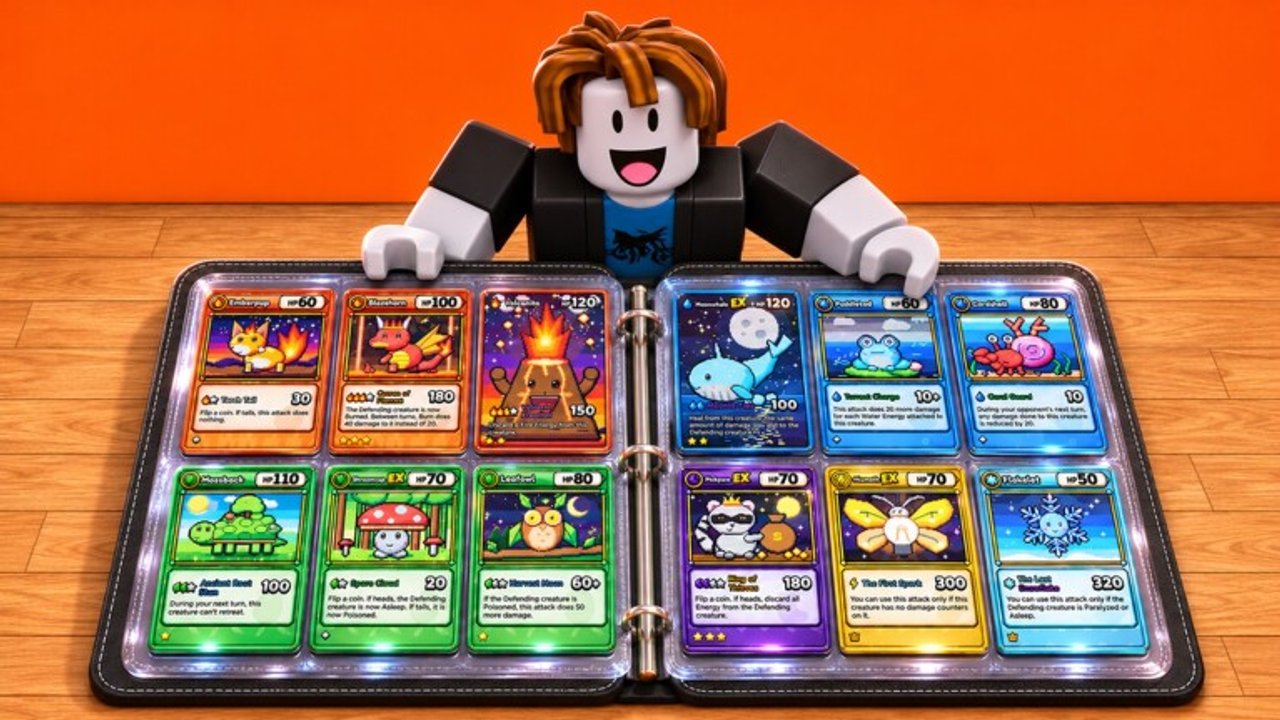
Make Cards! runs on intimate six-player servers. That small cap changes everything: one polite sealer helps the lobby; one camera camper at the art desk frustrates five neighbours. This guide covers co-op tips, station sharing, etiquette, when to play solo or public, and why the Vibed Games group still matters even when you grind alone.
Creator and ID facts live on the Players Hub. Official destinations are on Official Links.
What a six-player server feels like
Unlike mega simulators, Make Cards lobbies feel like a shared workshop. You will see other avatars at desks, hear queue chatter, and notice lag sooner when everyone seals at once. Treat the floor as a studio apartment, not a stadium.
| Server type | Best for | Watch-outs |
|---|---|---|
| Public | Social energy, seeing other layouts | Prompt fights, lag spikes |
| Private / friends | Clean experiments, teaching | No random help at the counter |
| Quiet public | Balanced grind | Still respect shared props |
Co-op tips that actually help
- Call your bottleneck in chat once: “seals backing up” beats silent frustration.
- Stagger station use — if two players need the same desk, alternate short turns.
- Teach, don’t gatekeep — send new friends to Getting Started instead of mocking them.
- Share code news, not fake links — point to the Codes Hub, never password sites.
- Hire for your own factory first — staff wages are your economy; read Hire Staff before showing off empty wings.
True co-op depth depends on how Vibed Games wires ownership. When systems are per-player, “helping” mostly means advice and etiquette. When interactions overlap, patience is the skill.
Sharing stations without drama
- Approach from the open side so your avatar does not body-block prompts (Controls & HUD).
- If someone is mid-draw, wait or switch to seal / serve on your own line.
- Do not stand inside another player’s mesh — Roblox prompts flicker when two clients compete.
- After you finish, step clear so the next player’s camera can frame the desk.
- On mobile, zoom out before crowding a popular sealer.
Layout experiments that reduce walking fights belong in Expand Factory — practise those in quieter servers first.
Etiquette checklist
- No fake code spam in chat.
- No begging for Robux or account shares.
- No advertising executors; see Scripts Hub.
- No blocking doorways after expansions.
- Tip newcomers toward guides, not spoilers that skip the loop.
- Keep voice or text trash-talk out of a six-person room — there is nowhere to hide.
Solo vs public: when to switch
Choose public when:
- You want to watch how others path their floors.
- You are hunting social proof that a new code or UI appeared.
- You enjoy light chat while sealing.
Choose private / friends when:
- You are testing a big expansion spend.
- You need clean timings for Make Money Fast experiments.
- You are recording or following a precise session checklist.
- Public lag makes prompts miss.
Many strong players start public for five minutes (codes + vibe check), then hop private for the serious cash hour.
Vibed Games group value in multiplayer
Joining Vibed Games (group ID 35247239) helps even if you never speak:
- Shouts often beat fan sites for first code drops.
- Membership gates appear on many Roblox tycoon rewards.
- Group context helps you verify you are in the real Make Cards universe (10773700329).
After joining, rejoin the experience so flags refresh — details in How to Redeem Codes.
Lag and hop rules
Tycoon UIs hate stutter. If seals cancel or customers freeze:
- Finish your current prompt if possible.
- Leave and join a fresh server once.
- Lower graphics one step on weak devices.
- Avoid stacking three heavy scripts (just don’t — Scripts).
Hopping is not rude in a six-player game; staying AFK on a contested desk is.
Teaching a friend in one lobby
- Both complete one manual loop.
- Share Controls & HUD if they cannot find Codes.
- Agree who uses which station during the first rush.
- Compare hire plans with Staff Priority before both bankrupt wages.
- Recheck Updates together after patches using the Post-Update Checklist.
Related pages
Small servers reward manners and clear paths. Master those and Make Cards multiplayer stays fun instead of a prompt war.
Reading other factories without copying blindly
Seeing another player’s wing does not mean their spend order fits your bottleneck. Note ideas, then validate against Upgrade Priority and your own timed loop. Copying a cosmetic-heavy flex floor is how public lobbies create broke beginners.
When conflict happens
If someone camps a station, ask once in chat, then switch tasks or servers. Do not escalate with blocking or script threats. Report genuine harassment through Roblox; keep this wiki’s community tone intact when you describe the game to newcomers on Players.
Frequently Asked Questions
Quick answers to the most common Make Cards questions.
How many players are in a Make Cards server?
Public servers are sized for up to six players, so expect a small shared factory floor rather than a huge lobby.
Should I play Make Cards in public or private servers?
Use public for social tips and code checks; switch to private or friends when testing expansions, timings, or teaching without lag.
Why join the Vibed Games group for multiplayer?
Group shouts often carry the first code news, and membership may be required for rewards even when you grind solo.
How do we share stations politely?
Do not body-block prompts, alternate short turns on busy desks, and step clear when finished so others can interact.